

Introduction
- Important gaming TV features
- Best budget smart TVs for gaming
- How students can save money while buying
- Common mistakes to avoid
Gaming today is very advanced. Modern games have:
- High graphics quality
- Faster gameplay
- Smooth animations
- HDR visuals
- Realistic lighting effects
- Screen lag
- Blurry movement
- Delayed controls
- Poor colors
- Motion stuttering
A good gaming smart TV improves:
- Visual quality
- Gameplay smoothness
- Response speed
- Immersion
- Overall gaming enjoyment
A gaming smart TV is simply a television designed to provide:
- Faster response times
- Lower input lag
- Better refresh rates
- Advanced gaming modes
- Enhanced HDR performance
These TVs also include smart features like:
- Streaming apps
- Voice control
- Wi-Fi connectivity
- Bluetooth support
- Cloud gaming apps
Modern gaming TVs support platforms such as:
- Sony PlayStation
- Microsoft Xbox
- Gaming PCs
- Cloud gaming services
Common refresh rates:
- 60Hz
- 120Hz
- 144Hz
For gaming:
- 60Hz is okay for casual gaming
If you play:
- Shooting games
- Racing games
- Sports games
Then higher refresh rates help significantly.
2. Input Lag
Ideal gaming TV input lag:
- Under 20ms = good
- Under 10ms = excellent
Gaming Mode on TVs helps reduce lag.
- Faster response
- Better VRR support
VRR helps prevent:
- Screen tearing
- Frame stuttering
- Choppy gameplay
This feature creates smoother visuals.
5. Display Technology
LED TVs
- Affordable
- Bright
- Budget-friendly
QLED TVs
- Better colors
- Brighter HDR
- Great for gaming rooms
OLED TVs
- Best contrast
- Deep blacks
- Amazing visuals
OLED TVs are usually expensive but excellent for serious gamers.
Best Smart TV for Gaming – Top Options for Different Budgets
Best Budget Gaming TV
TCL Gaming TVs
TCL offers excellent value for students.
- Affordable pricing
- Decent refresh rates
- Low input lag
- Good smart features
Best for:
- Students
- Hostel rooms
- Budget gaming setups
Best Mid-Range Gaming TV
Samsung QLED Gaming TVs
Samsung gaming TVs provide:
- Excellent brightness
- Smooth gaming performance
- Great HDR support
- Strong motion handling
Perfect for:
- Console gaming
- Multiplayer gaming
- Sports gaming
Best Premium Gaming TV
Advantages:
- Ultra-fast response time
- Stunning colors
- Deep black levels
- Excellent VRR compatibility
- Competitive gamers
- High-end console gaming
- Gaming enthusiasts
- 43-inch TVs
- Compact gaming setups
Smaller TVs are:
Energy efficient
Cheaper
Easier to place
Best Screen Size for Gaming
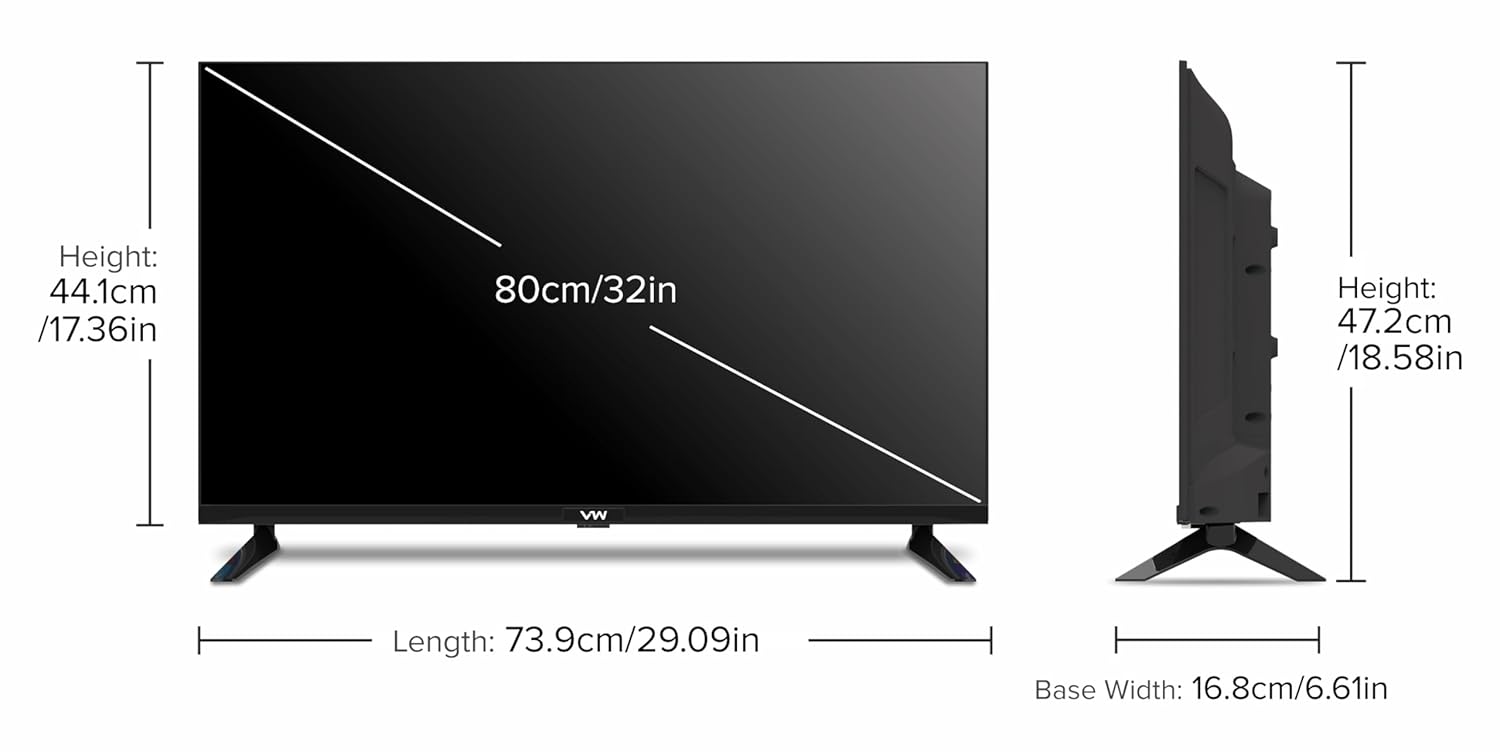
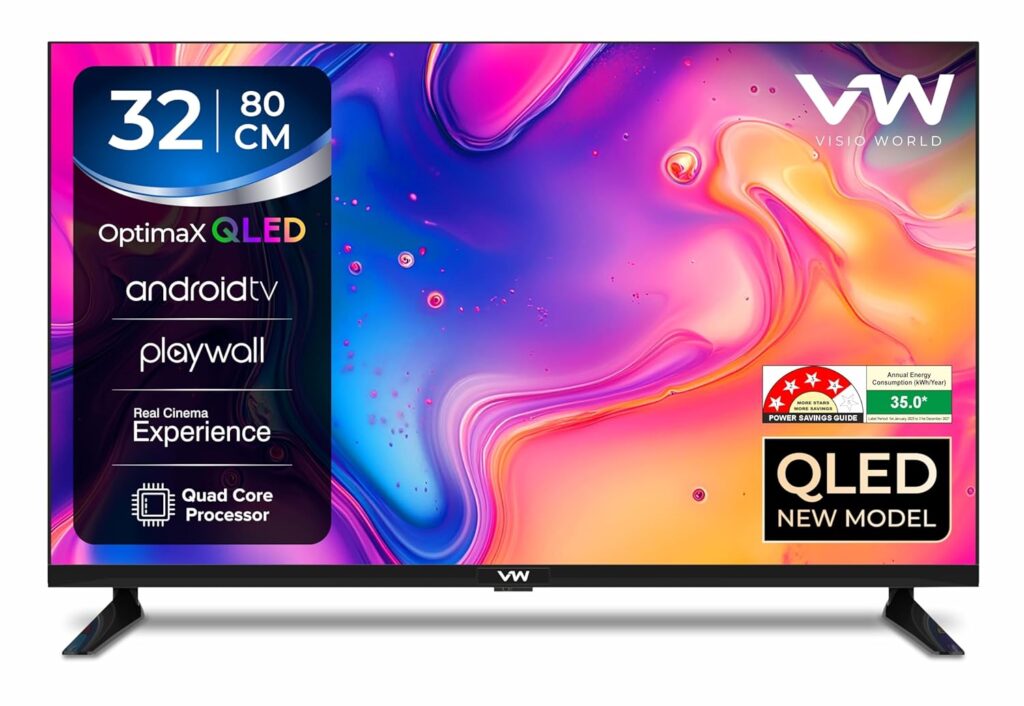
32-Inch Gaming TV
Good for:
- Study tables
- Small bedrooms
- Hostel use
43-Inch Gaming TV
Best balance between:
- Price
- Viewing comfort
- Gaming immersion
55-Inch Gaming TV
- Living rooms
- Couch gaming
- Multiplayer gaming
Still acceptable for budget gaming.
4K Ultra HD
Recommended for modern gaming.
Benefits:
- Sharper visuals
- Better details
- Improved HDR quality
It improves:
- Brightness
- Colors
- Contrast
- Realism
Many smart TVs support:
- Google Assistant
- Amazon Alexa
Streaming Apps
Good gaming TVs should include:
- Netflix
- YouTube
- Disney+
Cloud Gaming
Some smart TVs now support cloud gaming.
Examples:
- Xbox Cloud Gaming
- NVIDIA GeForce NOW
This allows gaming without expensive hardware.
Gaming TV Buying Tips for Students
Good student gaming TVs are available in many price ranges.
Focus on Features That Matter
Prioritize:
- Low input lag
- Good refresh rate
- HDMI ports
- Decent picture quality
Bigger is not always better.
Performance matters more.
Ignoring Refresh Rate
Refresh rate affects gameplay smoothness significantly.
Not Checking HDMI Ports
Cheap TVs may have:
- Poor durability
- Weak picture quality
- Slow response times
OLED vs QLED vs LED for Gaming
| Feature | LED | QLED | OLED |
| Price | Budget | Mid-range | Premium |
| Brightness | Good | Excellent | Excellent |
| Contrast | Average | Better | Best |
| Gaming Performance | Good | Very Good | Excellent |
| Black Levels | Average | Good | Perfect |
Best Gaming TV Brands
Sony
Known for:
- Excellent picture quality
- Strong PlayStation optimization
LG
Famous for:
- OLED gaming TVs
- Fast response times
Samsung
Popular because of:
- Bright displays
- Smooth motion handling
TCL
Best for affordable gaming TVs.
How to Set Up Your Gaming TV Properly
Enable Game Mode
Game Mode reduces input lag.
Use HDMI 2.1 Cable
Better cable quality improves performance.
Adjust Brightness and HDR Settings
Correct settings improve gaming visuals.
Update TV Software
Software updates improve:
- Stability
- Gaming compatibility
- Performance
Best Accessories for Gaming TVs
Gaming Soundbars
Soundbars improve immersion.
Popular options come from:
- Sony
- JBL
- Samsung
Wireless Controllers
Extra controllers help multiplayer gaming.
TV Wall Mounts
Wall mounting saves space in student rooms.
Energy Consumption and Gaming TVs
- Energy ratings
- Eco modes
- Auto brightness settings
Internet Speed for Smart Gaming TVs
Gaming TVs need stable internet for:
- Online gaming
- Streaming
- Cloud gaming
- Updates
Recommended speed:
- 25 Mbps or higher
.
Gaming Console Compatibility
PlayStation 5
Best with:
- HDMI 2.1 TVs
- 120Hz support
- VRR compatibility
Xbox Series X
Excellent with:
- 4K gaming TVs
- Dolby Vision support
Best Smart TV for Gaming Under Different Budgets
Under Budget Category
Look for:
- 43-inch LED TVs
- 60Hz refresh rate
- Basic HDR
Mid-Range Category
Recommended features:
- 120Hz refresh rate
- HDMI 2.1
- VRR support
Premium Category
Ideal features:
Advanced HDR
OLED display
Ultra-low latency
What is the best smart TV for gaming on a budget?
Budget gaming TVs from TCL and Samsung are excellent for students and casual gamers because they provide low input lag and decent refresh rates at affordable prices.
Is OLED worth it for gaming?
Yes, OLED TVs offer amazing picture quality, fast response times, and excellent contrast. However, they are more expensive than standard LED TVs.
Do I need HDMI 2.1 for gaming?
If you use modern gaming consoles like PlayStation 5 or Xbox Series X, HDMI 2.1 helps unlock 4K 120Hz gaming and smoother performance.
What TV size is best for gaming students?
Most students prefer 43-inch TVs because they balance affordability, gaming immersion, and room space.